


About Delinea Documentation
Delinea’s robust documentation library houses all of our technical documentation. While you’ll find best practice resources here in our community, some basic how-to guidance in the Support Portal Knowledge Base, the nuts and bolts of how to set up and configure your products will be in docs.delinea.com.
Our documents library also hosts release notes once releases become available.
Finding Your Way Around Delinea Documentation
All Delinea technical documentation lives at docs.delinea.com — setup, configuration, administration, and end-user guides.
Searching the docs:
Global search: Use the search bar on the docs.delinea.com landing page to search across all products at once (e.g., results from Secret Server, Delinea Platform, and Integrations together).
- The results page includes tabs for All, Product Documentation, Support Knowledge Base, and Fastpath. Click Product Documentation to see only product docs.
- Within Product Documentation results, filter by product using the Documentation Data Categories checkboxes on the left. On smaller browser windows, click “sorts and filters" above the results to reveal these filters.
- For example, "Active Directory" appears across many products, but you can check just Delinea Platform and Secret Server to narrow it down.
Product-specific search: If you're already reading within a set of docs (e.g., Secret Server), the search bar at the top will return results only from that documentation.
When you click a search result, your search terms will be highlighted throughout the page. To remove the highlights, click the highlight icon in the upper right, or click the current topic in the TOC to refresh to a clean page.
Navigating the documentation:
- Each set of documentation has a clickable Table of Contents (TOC)*on the left side of your browser. Dropdown carets can be clicked to reveal child topics and sub-topics.
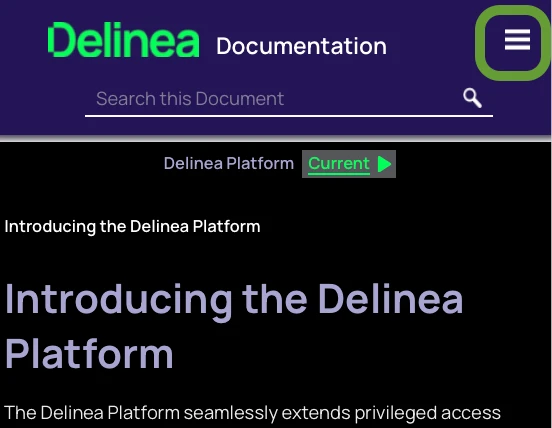
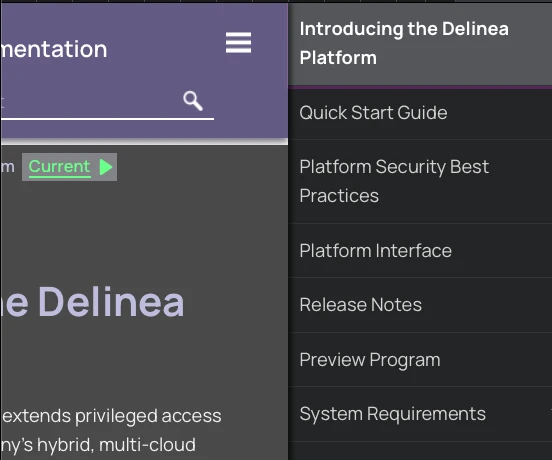
- On mobile or smaller browser windows, the TOC is hidden, but can be revealed by clicking the hamburger menu on the upper right.
Release notes and changelogs:
- Release notes are published in their respective product documentation upon release (examples: Secret Server and Delinea Platform.
- An automated changelog is also published as a separate tile (examples: Secret Server and Delinea Platform.
Delinea's chatbot:
A good place to start or end any search is with Delinea Expert, our chatbot trained on both Docs and Support KBs. Learn more here.