
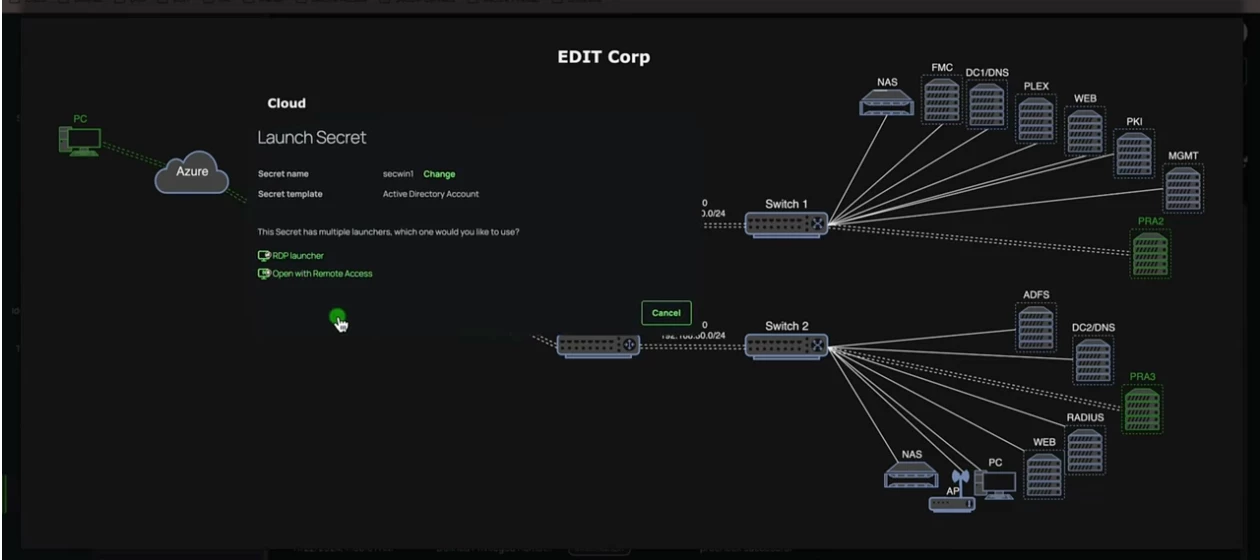


Don’t let traditional VPNs let you down. This video by Delinea Solution Engineer Eddie Caballero will guide you through the use of Delinea’s Privileged Remote Access (PRA) in a step-by-step way.
What it covers:
- Requirements and PRA topology
- Sites & Engines config and deployment on both Windows Server and Red Hat Server
- Walkthrough of Engine and Delinea Platform registration & exchange
- My PRA flow diagram
- Remote client check
- Logging into Delinea from remote client with standard account, accessing secured secrets with MFA, Check in/Check out, and justification
- Launching RDP session and launching Live Session Monitoring
- Watching risky & threat behavior live
- Local user accounts with Delinea Directory
- Logging into Delinea from remote client with third party account
- Secret access and review with a vendor profile
- Launching SSH session and launching Live Session Monitoring
- Watching risky & threat behavior live
- Terminating SSH Session and RDP Session Review
- Delinea's AI Session Review, Manual SSH Session Review, AI RDP Session Review or AI SSH Session Review